

List of all Patronus evaluators supported on Portkey

What is Patronus AI?
Learn more about Patronus AI and their offerings.
Using Patronus with Portkey
1. Add Patronus API Key to Portkey
Grab your Patronus API key from here. On theIntegrations page, click on the edit button for the Patronus and add your API key.
2. Add Patronus’ Guardrail Checks & Actions
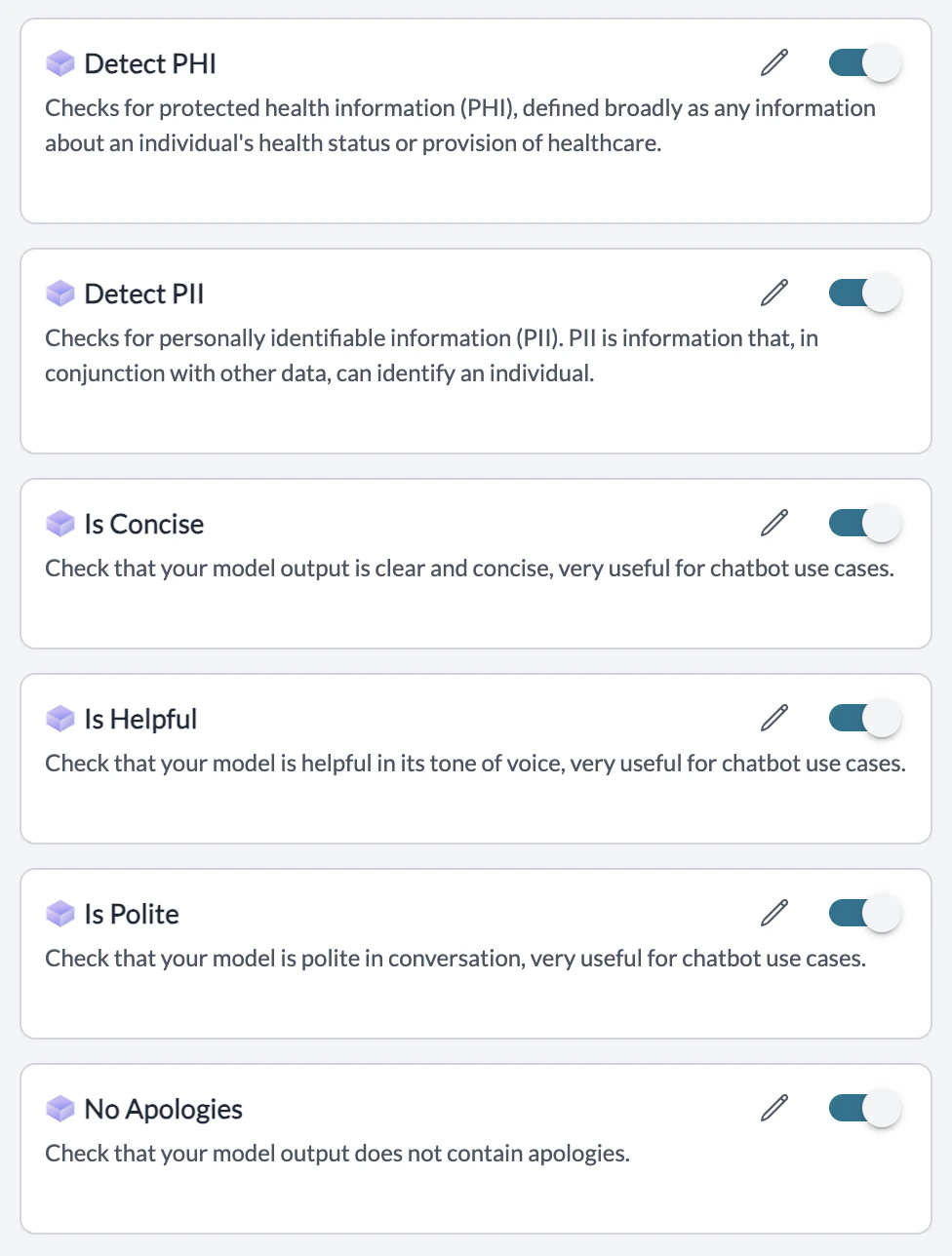
Navigate to theGuardrails page and you will see the Guardrail Checks offered by Patronus there. Add the ones you want, set actions, and create the Guardrail!
List of Patronus Guardrail Checks
Your Patronus Guardrail is now ready to be added to any Portkey request you’d like!
3. Add Guardrail ID to a Config and Make Your Request
Patronus integration on Portkey currently only works on model outputs and not inputs.
- When you save a Guardrail, you’ll get an associated Guardrail ID - add this ID to the
after_request_hooksparams in your Portkey Config. - Save this Config and pass it along with any Portkey request you’re making!